
Building a Hybrid Developer Workstation: MacBook + PC with a KVM Switch
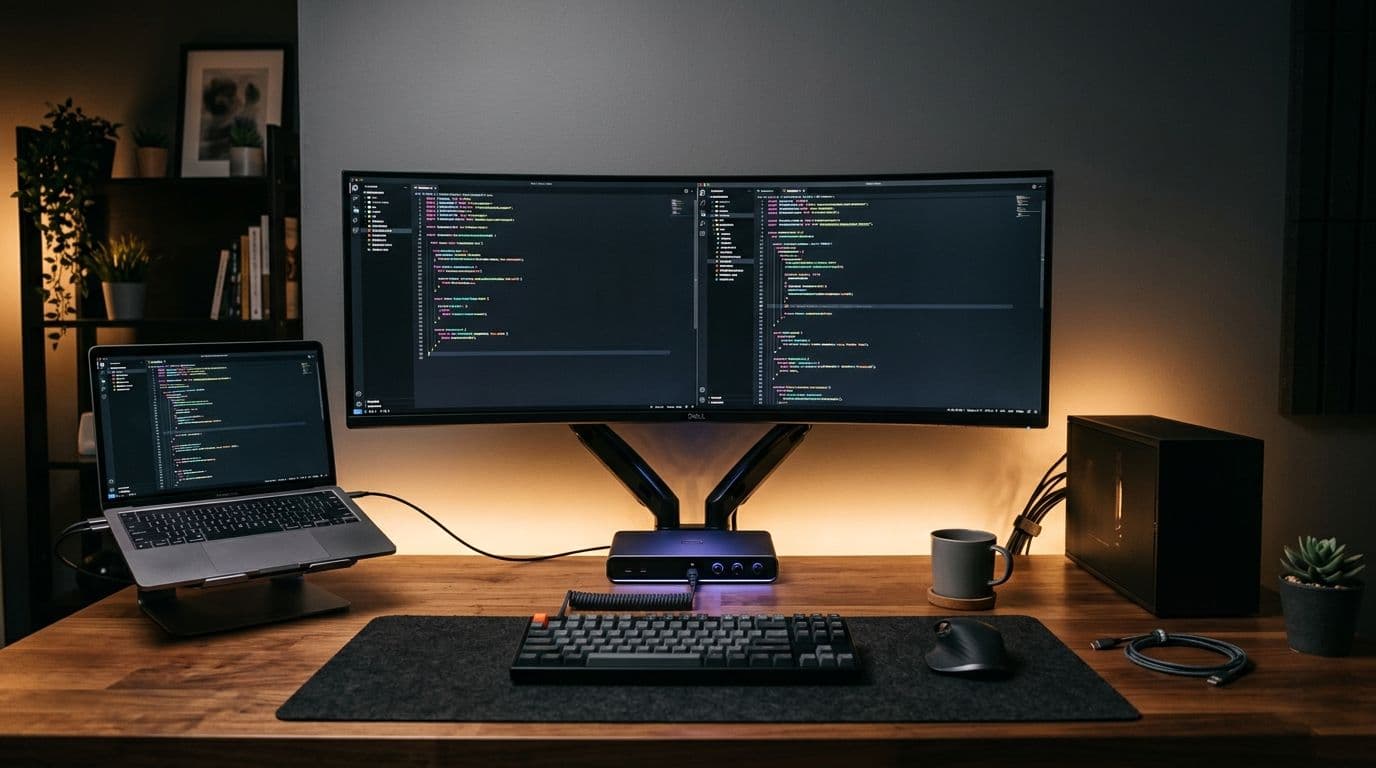
A lot of developers end up in the same situation: a work laptop provided by an employer or client, and a personal desktop PC sitting right next to it. Rather than juggling two separate setups, a KVM switch lets you run both machines through one keyboard, mouse, and monitor.
What a KVM switch actually does
KVM stands for Keyboard, Video, Mouse. The switch sits between your peripherals and both computers, letting you flip between machines — often with a single button press or hotkey — without unplugging a single cable. Modern KVM switches also support USB device sharing, so a single set of peripherals (and sometimes even webcam and speakers) works across both machines.
Why this setup is worth building
- One clean desk instead of two separate keyboard-mouse-monitor setups
- Instant switching between work (MacBook) and personal (PC) contexts without any downtime
- Keeps work and personal environments fully separate, which matters for security and focus
- A single high-quality monitor setup serving both machines, instead of compromising on two
What to look for in a KVM switch
Resolution and refresh rate support matter more than most people expect — make sure the switch supports your monitor's native resolution and refresh rate, especially for 4K displays. USB 3.0 passthrough is worth paying extra for if you plan to share external drives or a webcam between machines. And if you're running a multi-monitor setup, confirm the switch explicitly supports multiple displays before buying.
Getting it running smoothly
The first setup attempt is rarely perfect — cable management alone is worth doing properly from the start, since a KVM switch adds several more cables to an already crowded desk. Labeling cables on both ends saves real time the first time something needs to be unplugged and reconnected.
Once it's dialed in, though, switching between a client's MacBook and a personal PC becomes a single keypress instead of a five-minute cable-swapping ritual — and that's time that adds up fast over a working year.
Beyond the KVM switch itself
A monitor arm frees up desk space for both machines' peripherals to sit comfortably, and a USB hub with enough ports prevents the constant shuffle of plugging and unplugging accessories. If you do video calls from either machine, a webcam and microphone that also route through the KVM switch (rather than being physically moved between machines) removes one more daily annoyance.
Is it worth the setup effort?
For anyone splitting real, regular work between two machines — a contractor working across multiple clients, or simply someone who codes professionally and games or edits video personally — yes. The setup takes an afternoon. The time saved from never again unplugging a monitor cable pays that back within the first couple of weeks.